The Mentor Studio Platform
Everything You Need to Build AI-Guided Experiences
Design the Mentor, ground it in your knowledge, guide people through a structured journey, deliver it inside your brand, and grow the business around it.
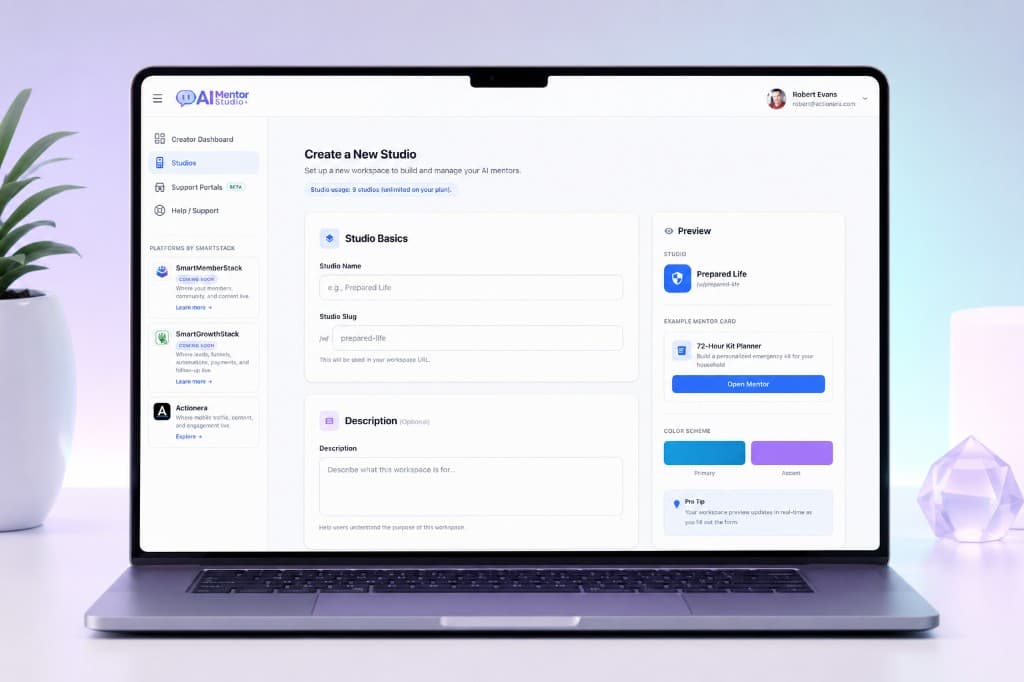
Studio → Mentor → Flow
Build
Design the Experience, Not Just the Prompt
A Studio is the branded home for your Mentors
Create a Studio, organize Mentors inside it, configure how the workspace looks and operates, and deliver experiences from one place. It is a working environment — not a folder.
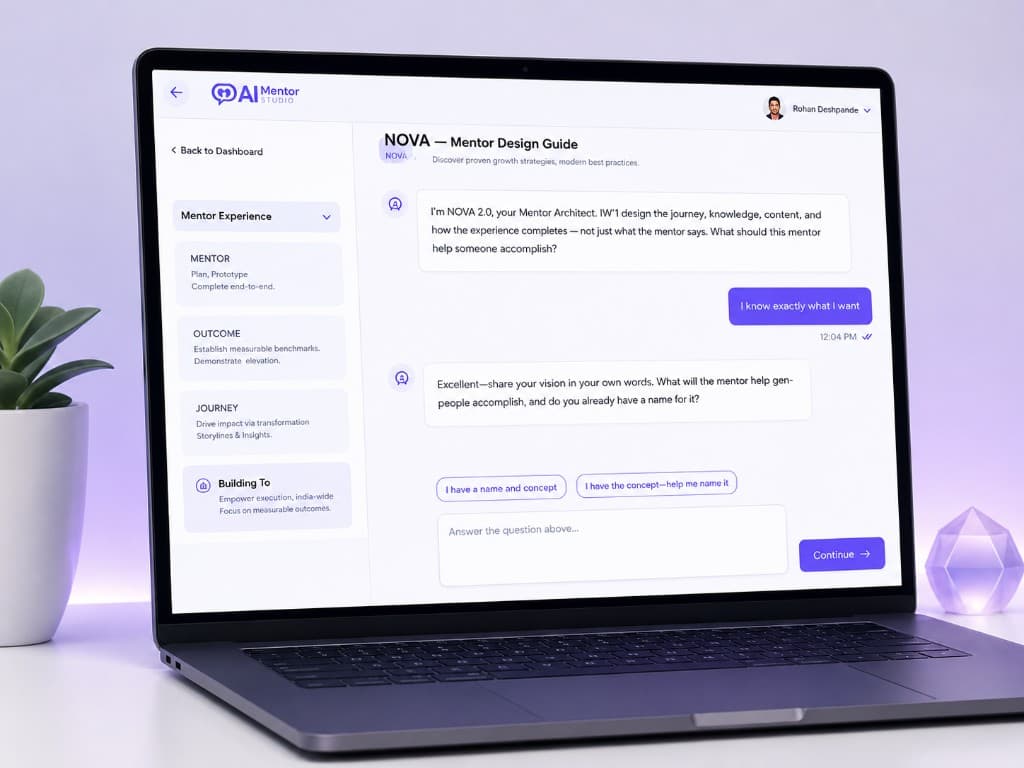
Start With the Outcome. Let NOVA Help Architect the Journey.
NOVA is the Mentor Architect. It helps you shape the intended outcome, Mentor concept, journey, steps, knowledge, content, and experience structure. You stay involved — NOVA does not build a business by itself.
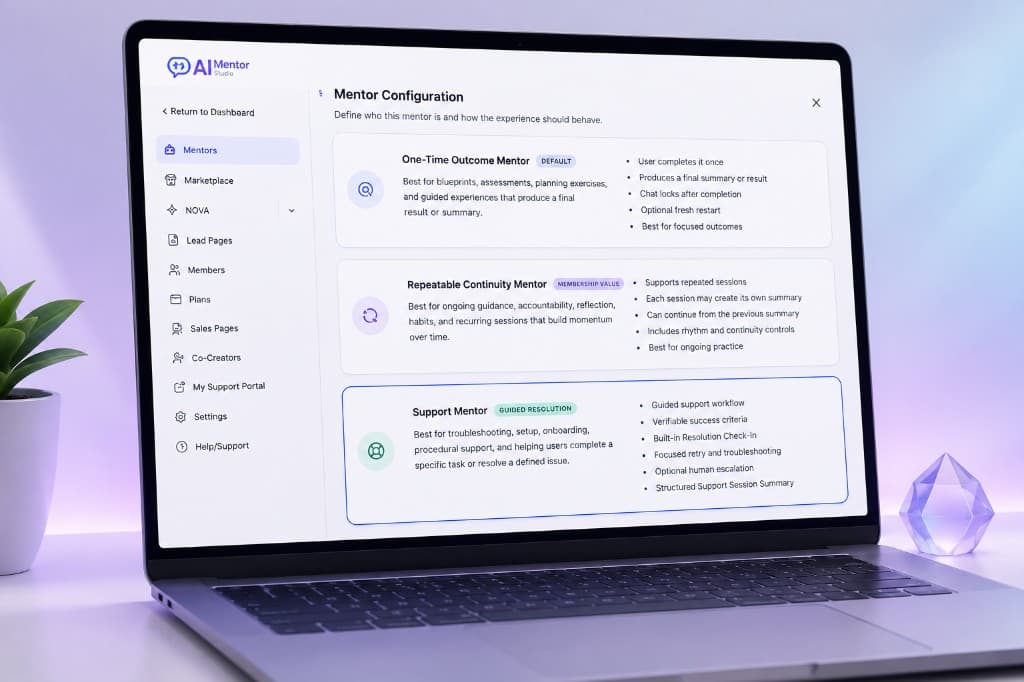
Three Mentor types, three kinds of work
Outcome Mentor
A one-time guided experience designed toward a defined result.
Continuity Mentor
A repeatable Mentor relationship that can support ongoing use over time.
Support Mentor
Guided troubleshooting and support-style experiences. A Support Mentor is a Mentor type — not the separate Support Portal product.
Turn Expertise Into a Guided Journey
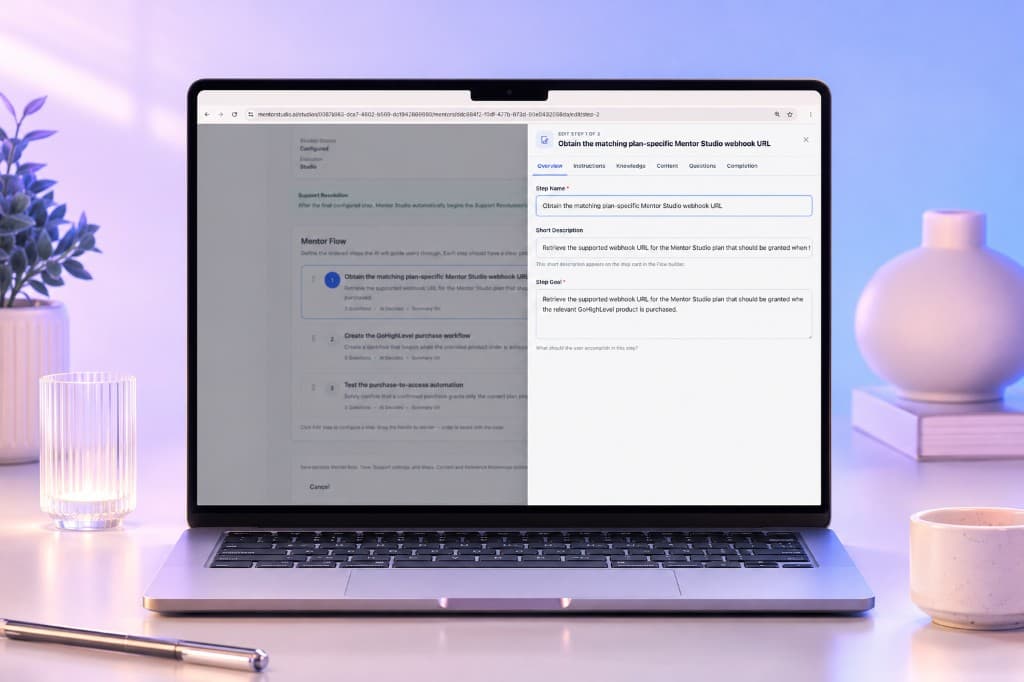
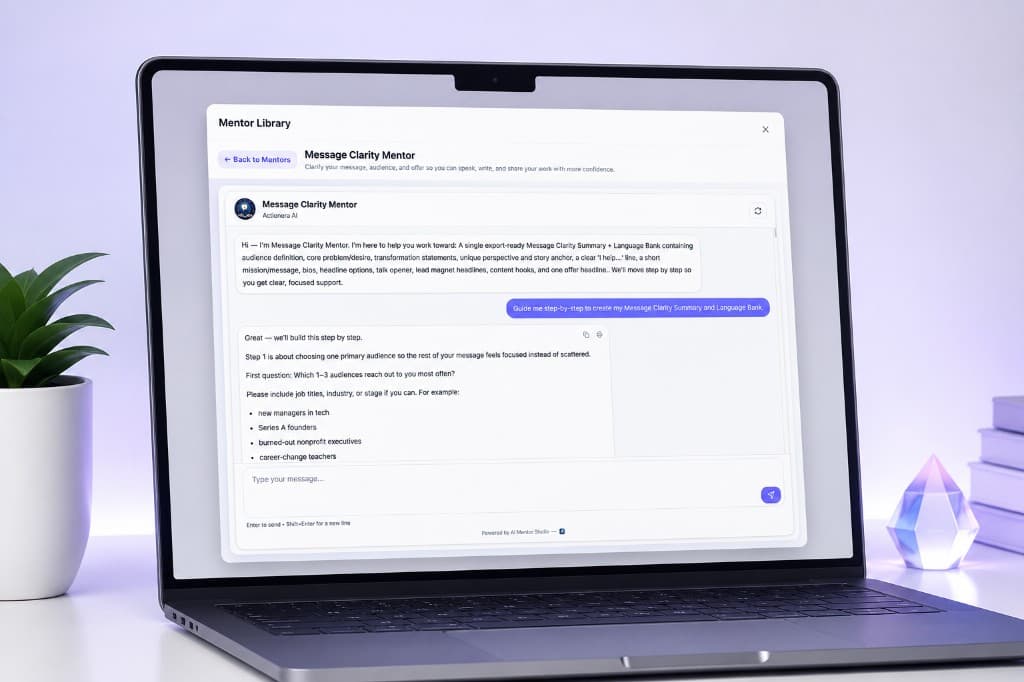
Mentor Flow turns what you know into steps: guidance, questions, user choices, structured progression, and completion logic. People move through a designed experience — not an open-ended chat with no destination.
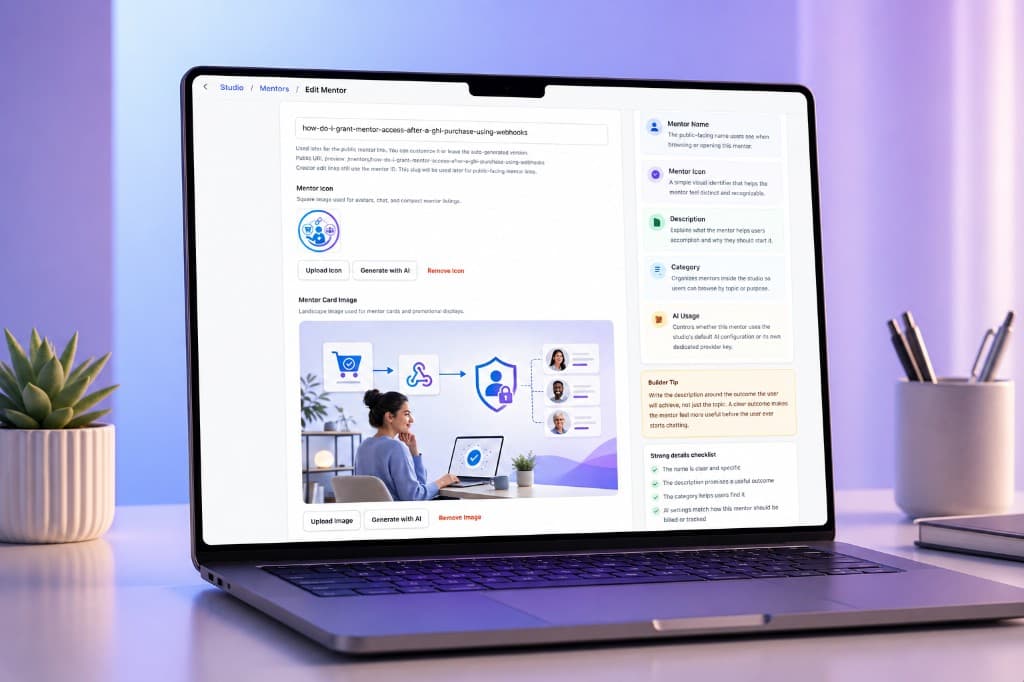
Mentor identity inside the Studio
Set the Mentor details, icon, and card imagery — including AI-assisted image generation where that tool is available — so the experience looks finished before anyone starts a session.
Know
Build on Your Knowledge, Not Just the AI Model's
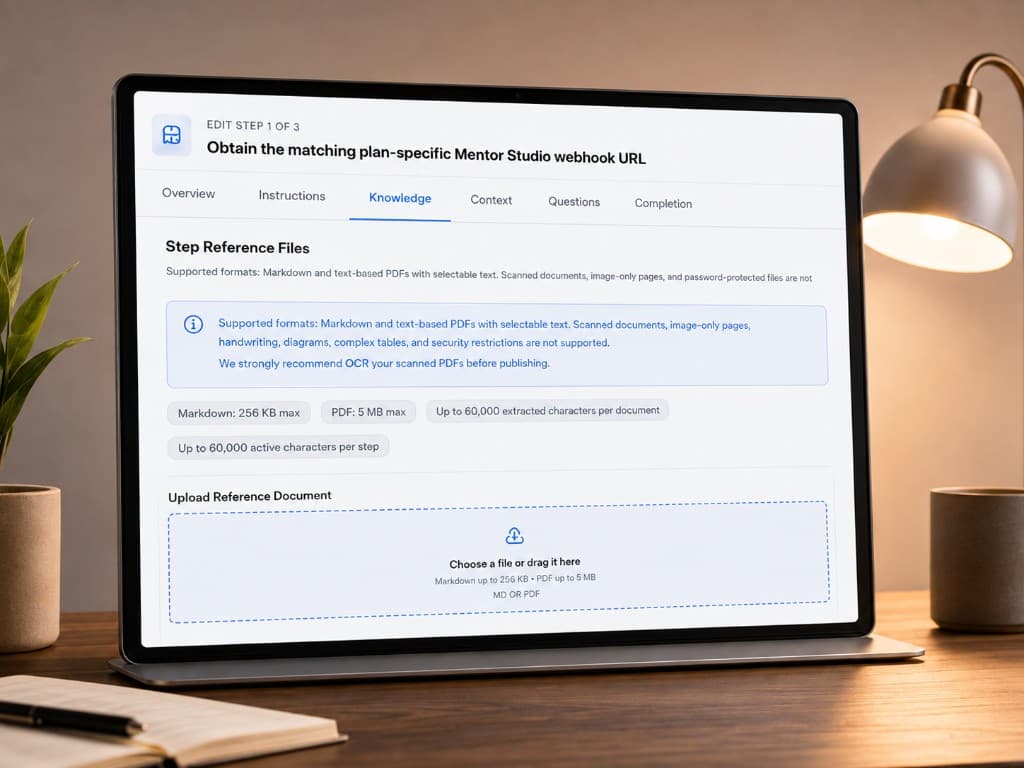
Reference Knowledge, where it belongs
Step Reference Files let you ground a Mentor step in Markdown and supported text-based PDF reference material. Knowledge can be available to the relevant step rather than dumped into every conversation.
Scanned PDFs, handwriting, image-only documents, diagrams, and complex tables are not reliably supported. OCR scanned PDFs before you publish.
01
Your expertise
Frameworks, language, and process.
02
Reference Knowledge
Attached to the step that needs it.
03
The right Mentor step
Used when that part of the journey runs.
Guide
AI That Guides Instead of Just Replies
People can talk naturally, and they can also move with guided choices. The experience stays structured without pretending to be a rigid workflow engine.
- Structured Journey
- Dynamic Choices
- Defined Outcome
- Natural Conversation
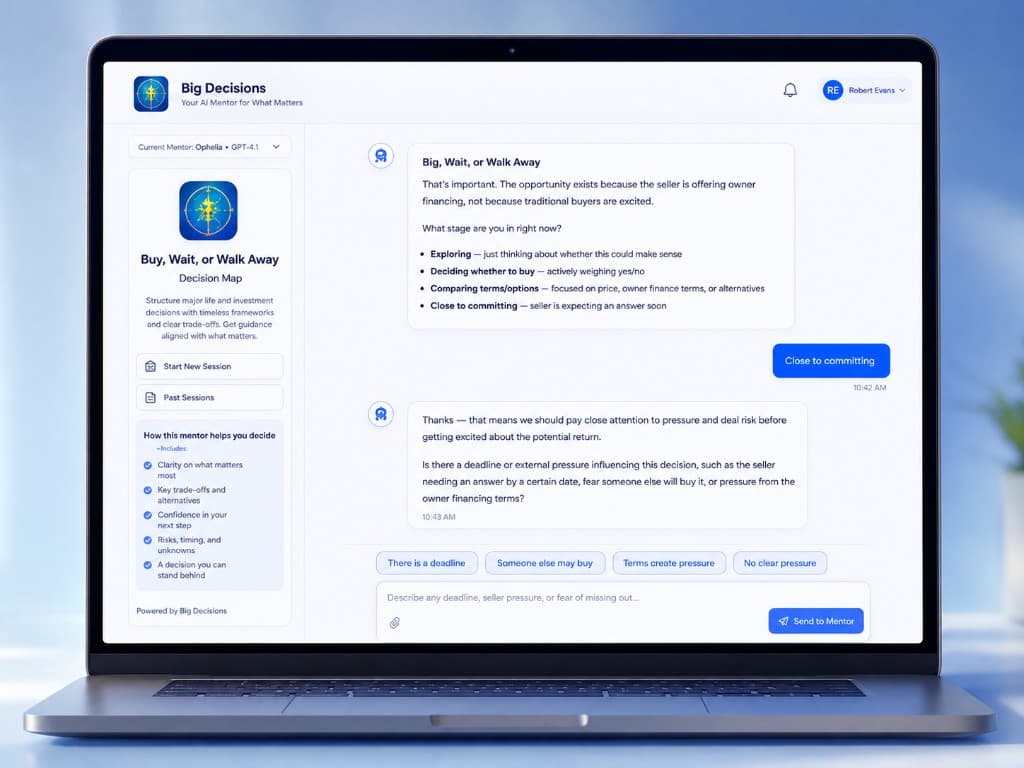
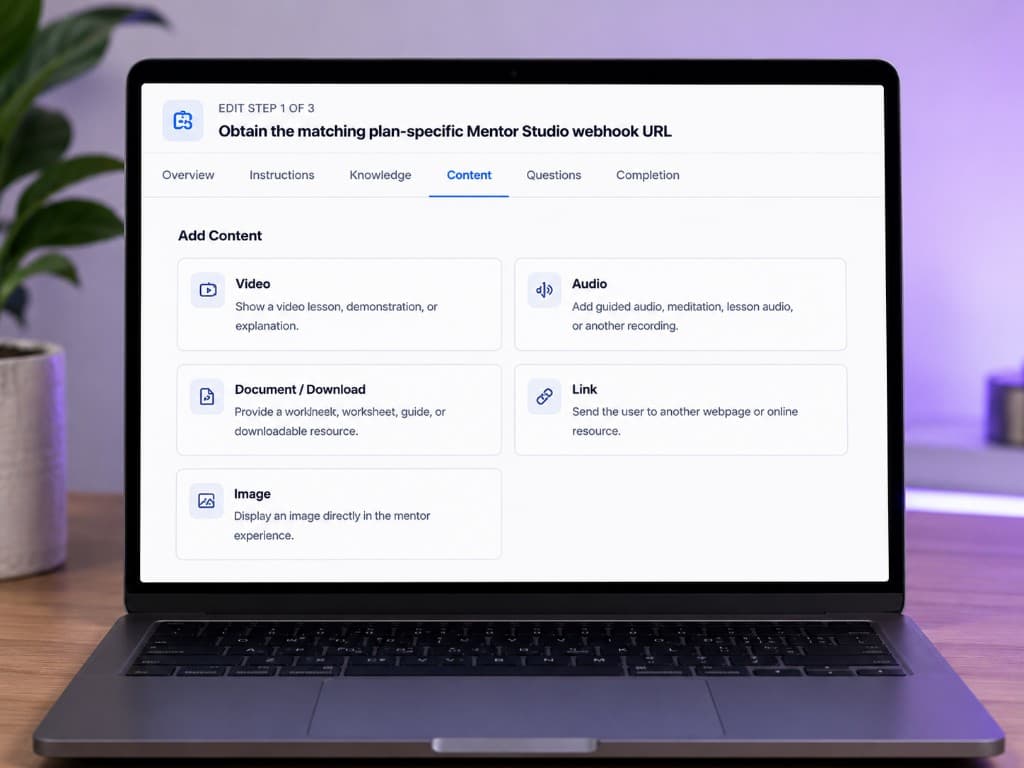
Bring Content Into the Conversation
Video, audio, documents, images, and links can appear at the appropriate point in the Mentor experience — not only in a library beside the chat.
- Video
- Audio
- Document / Download
- Image
- Link
Guidance → Content → User response → Next step
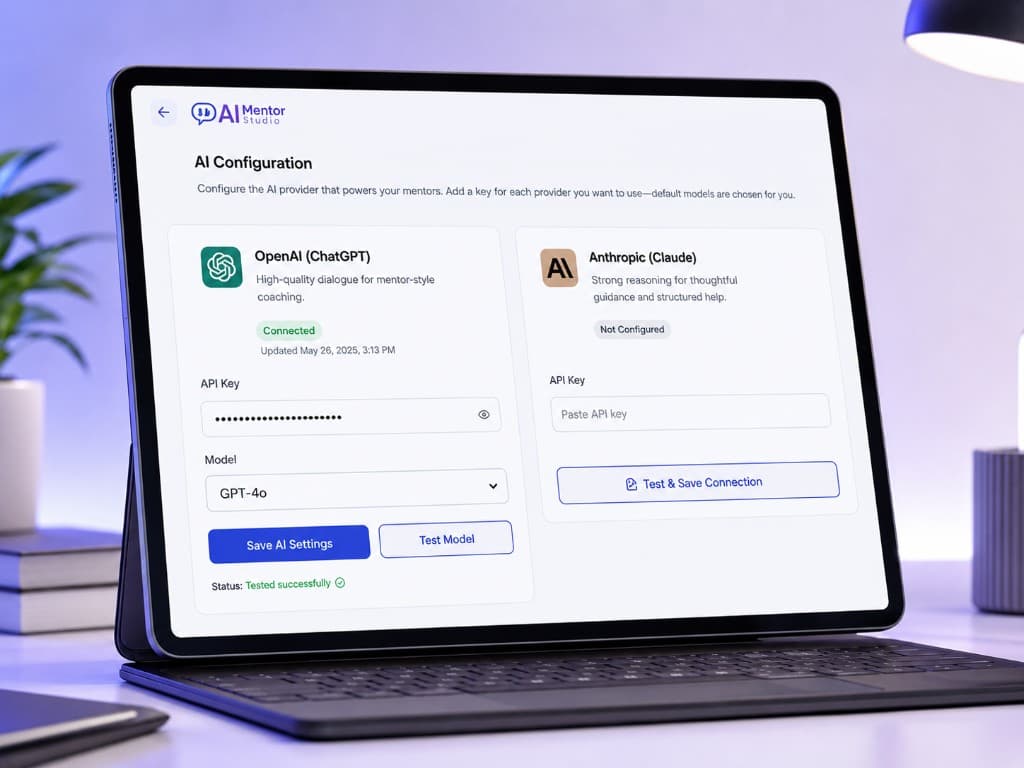
Use your own OpenAI or Anthropic configuration
Mentor Studio supports bring-your-own credentials and a supported model catalog for OpenAI and Anthropic. You choose the provider and model. Mentor Studio does not sell those API accounts or include unlimited model usage.
Deploy
Deliver the Experience Where It Belongs
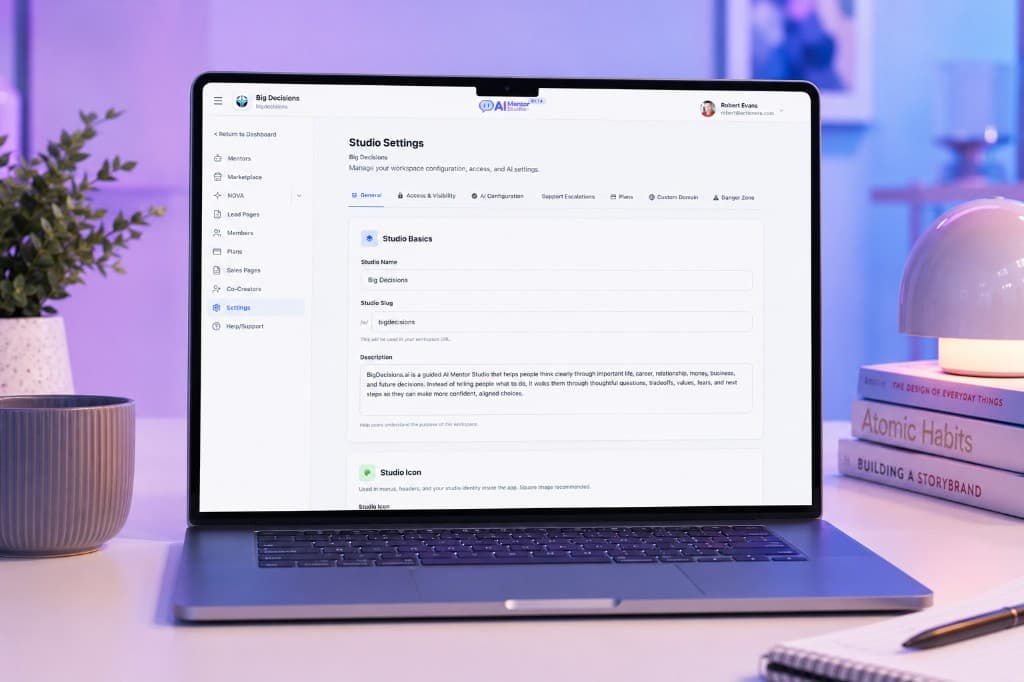
Branded Studio delivery
Studio Settings hold identity, branding, visibility, and the workspace configuration that makes the public experience feel like yours. This is branded Studio delivery, not a claim that every surface is independently rebuilt.
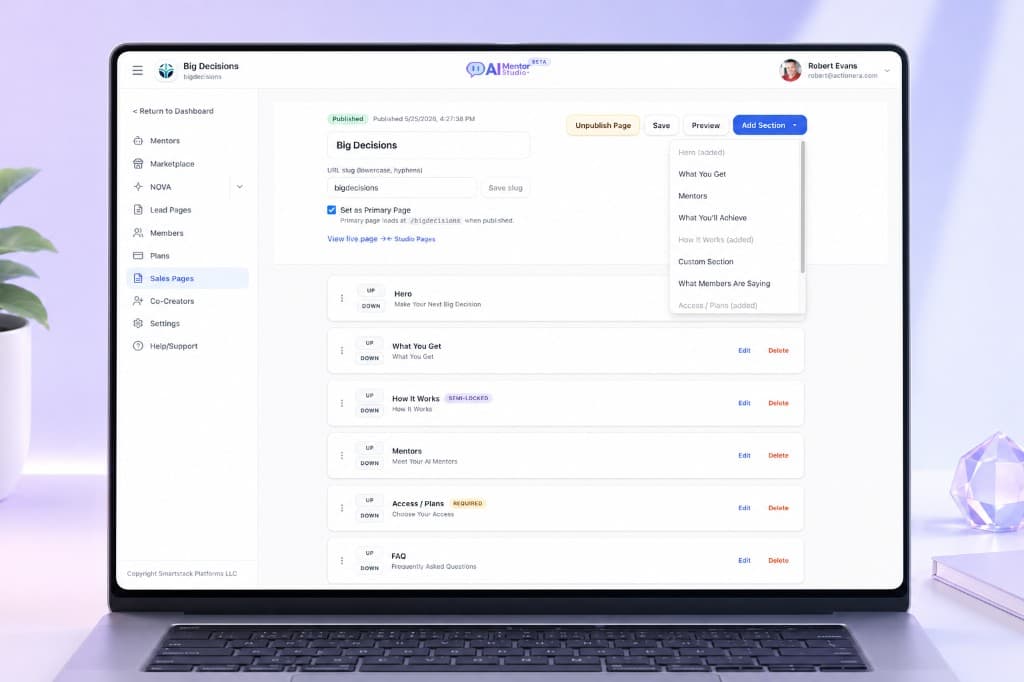
Sales Pages
Build a public Studio sales experience around your Mentors — hero, what you get, access, and the rest of the page in sections you can arrange.
Creator Pro+
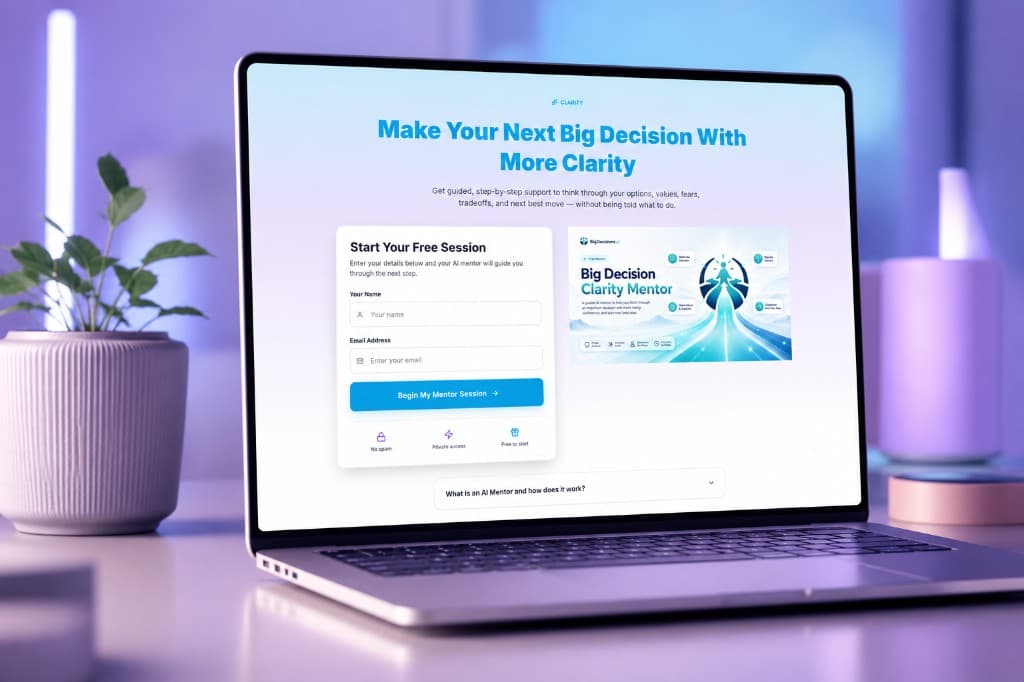
Lead Pages
Create lead experiences around Mentor access so someone can begin a guided session without needing the full Studio first.
Creator Pro+
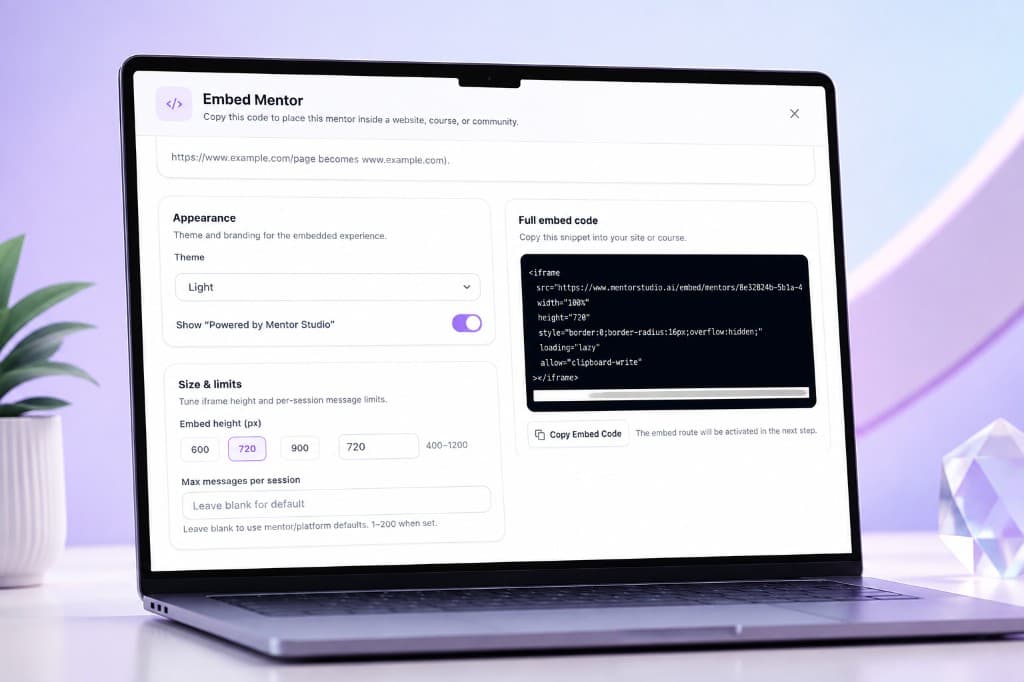
Embeds
Place a Mentor experience inside another web property where embedding is supported.
Creator Master+
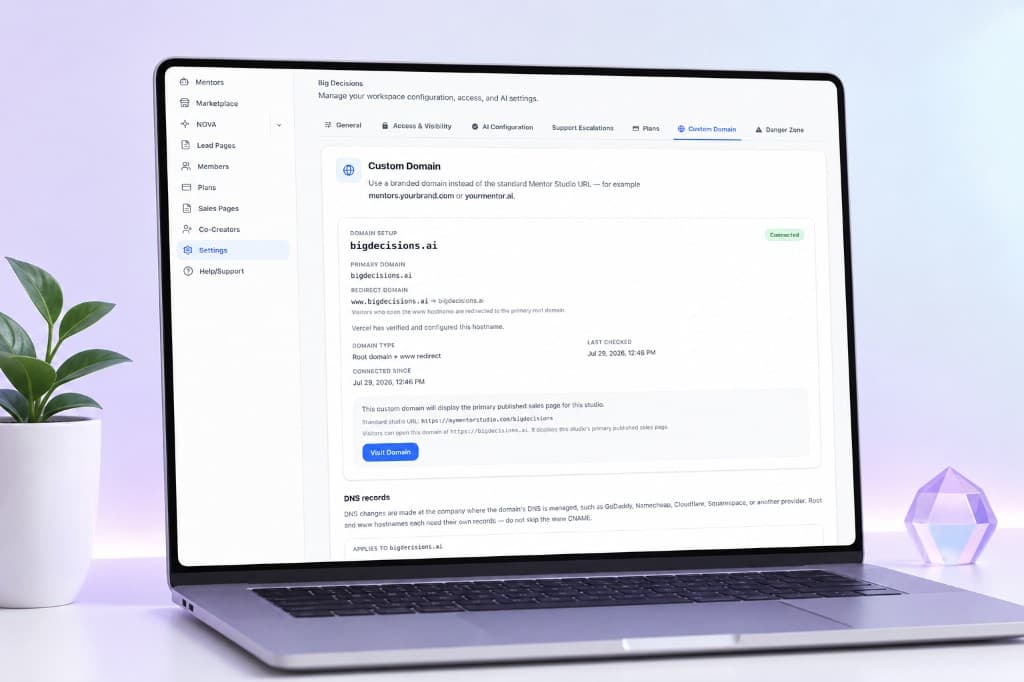
Custom domains
Connect a custom domain to the Studio experience so people arrive on your brand, not a generic platform URL.
Custom domains available on Creator Master and Agency
Grow
Build the Business Around the Mentor
Plans and members
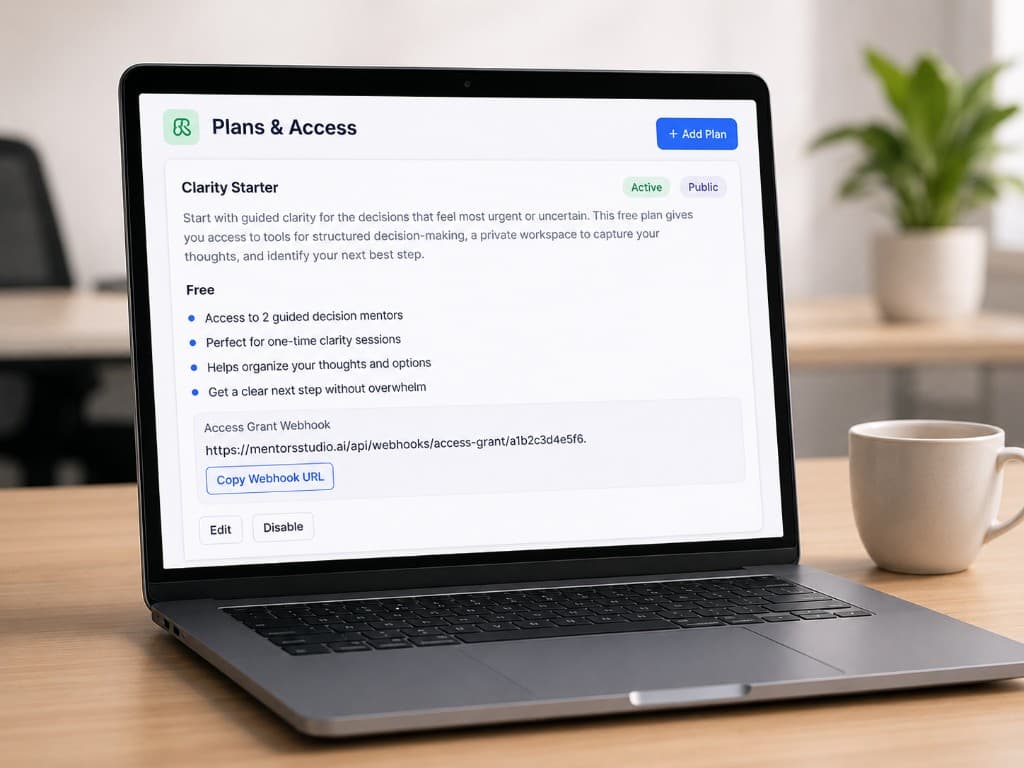
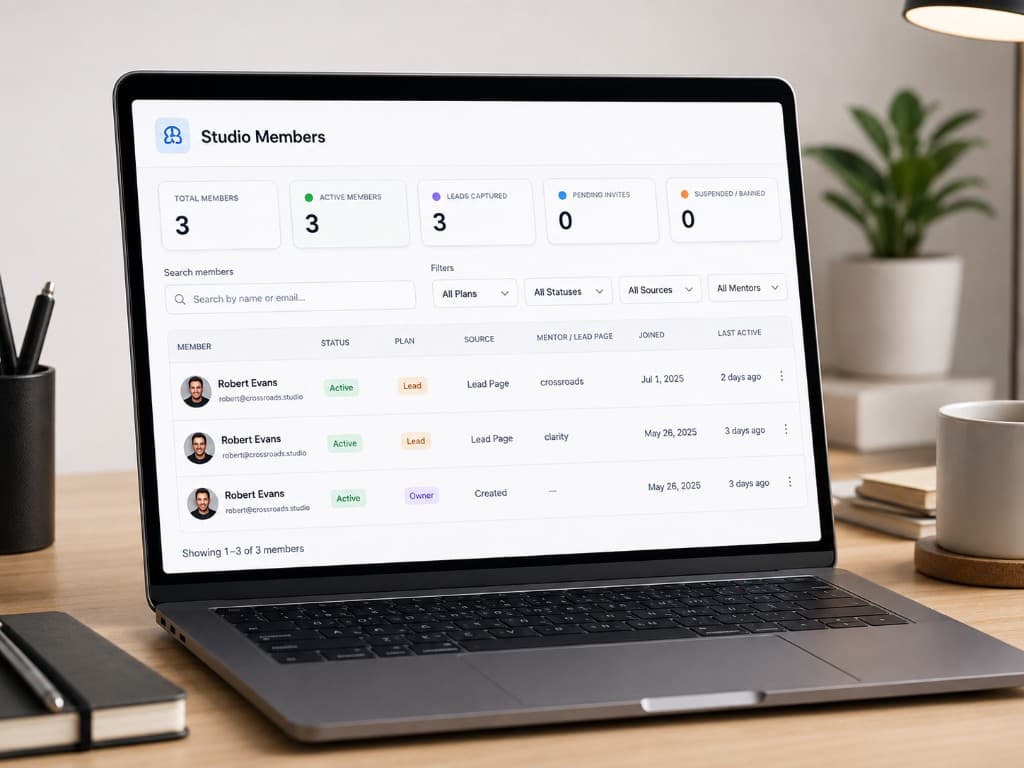
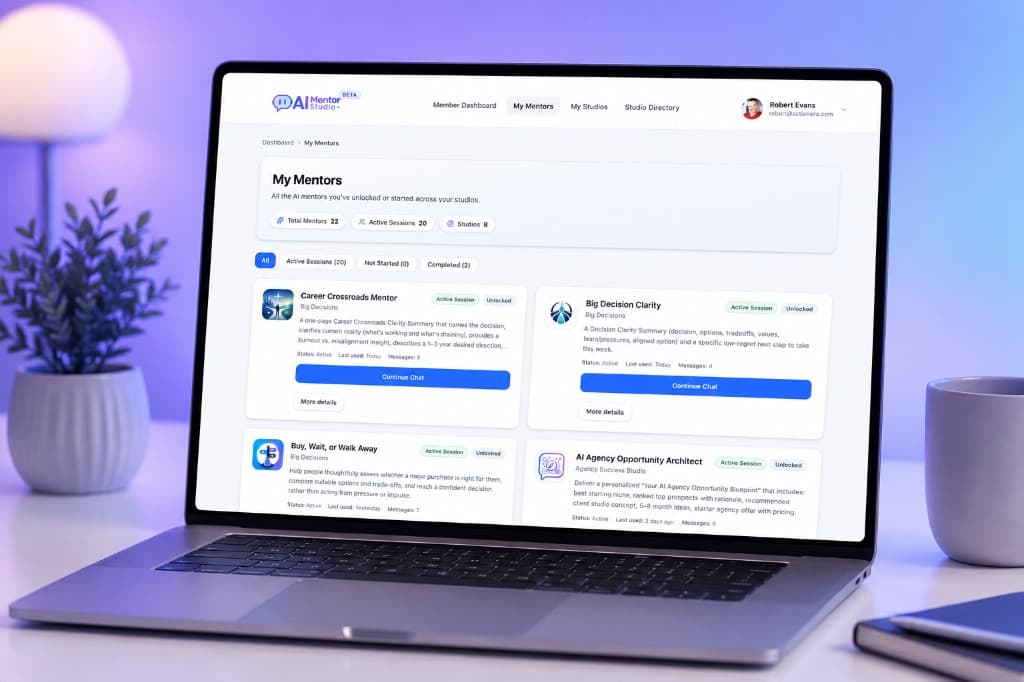
Create Studio access plans, organize Mentor access, manage members, and grant entry to free or paid experiences. This is access management — Mentor Studio is not the payment processor for your customers' purchases.
Creator Pro+
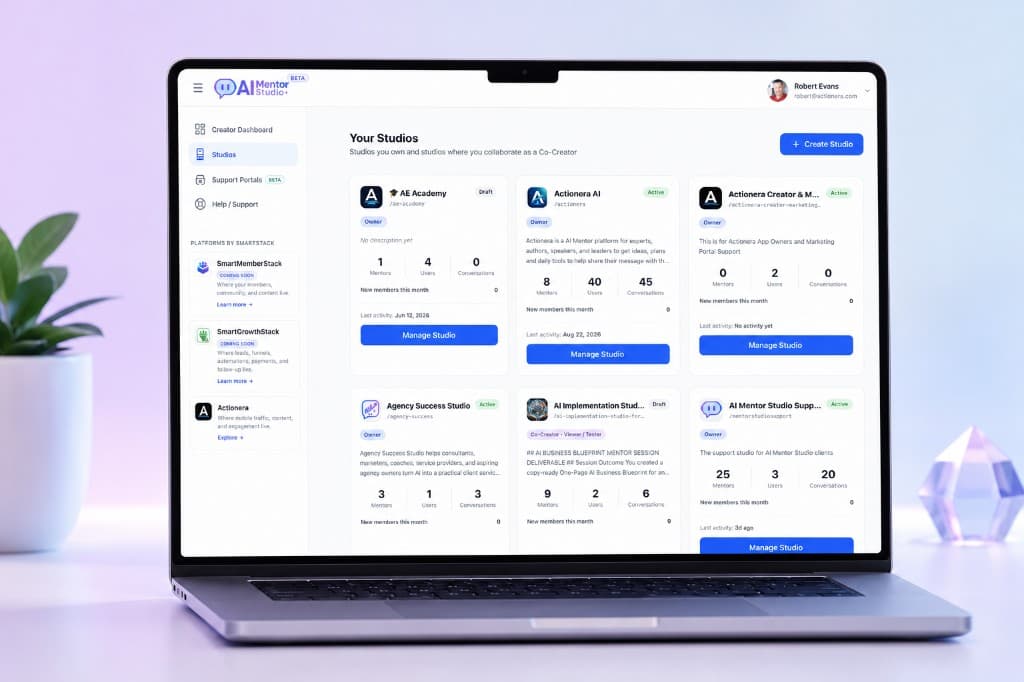
Creator Free, Creator Pro, and Creator Master include one Studio. For builders operating across multiple brands or clients, Agency expands Mentor Studio into a multi-Studio workspace.
Agency
Collaborate without handing over the Studio
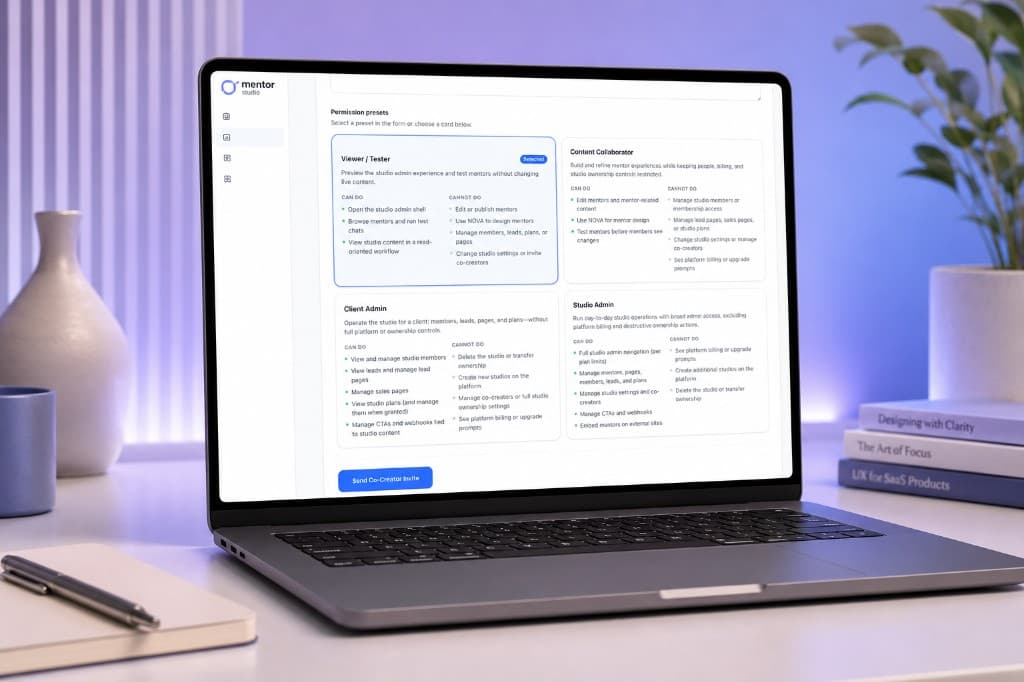
Invite Co-Creators with the permission presets that already exist in the product.
- Viewer / Tester
- Content Collaborator
- Client Admin
- Studio Admin
Creator Pro+
Discover Mentor templates
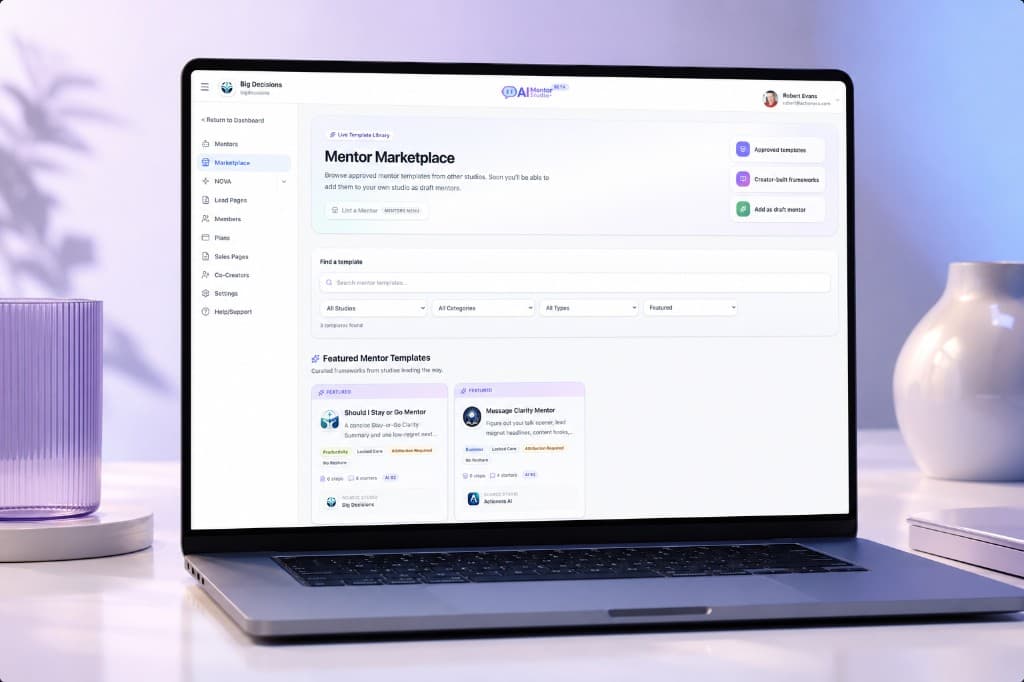
The Mentor Marketplace lets you browse approved Mentor templates and Marketplace resources from other studios. It is a discovery and template surface — not a commercial template economy, payout system, or public storefront.
Experience
What You Build Becomes Their Experience
You build
Studio → Mentor → Knowledge → Journey
They experience
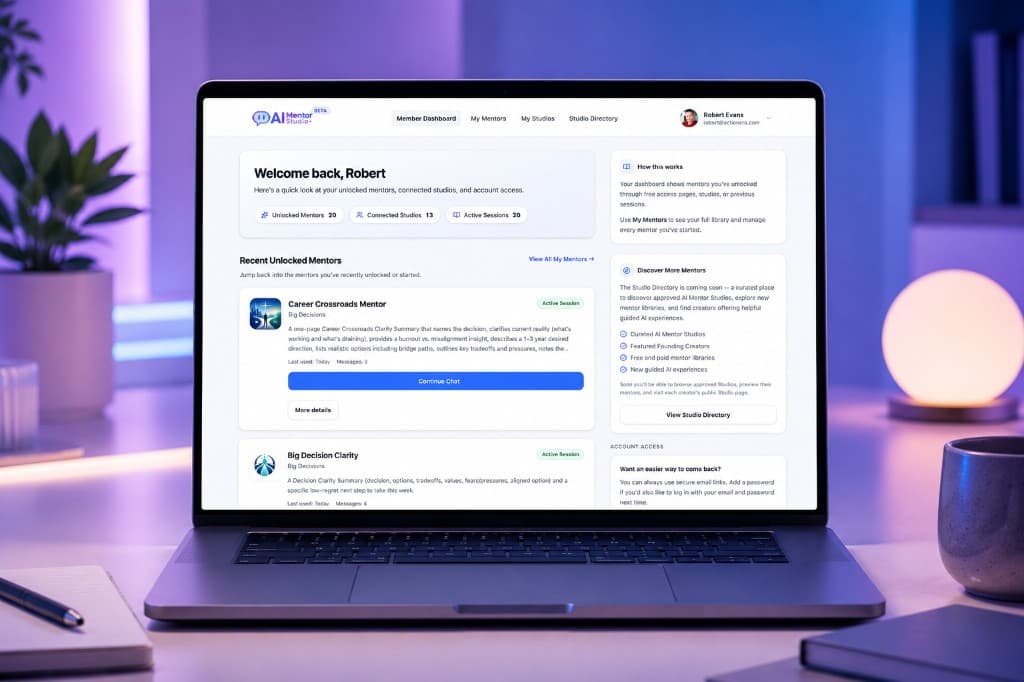
Branded access → Guided Mentor → Content → Outcome
Building for customer support?
Support Mentors are here. Support Portal is included with Creator Master.
Support Mentors are part of Mentor Studio's Mentor architecture. Support Portal is included with Creator Master, Agency, and Founders Lifetime.
Building for clients?
Agency is the multi-Studio path
Mentor Studio Agency supports multiple Studios and client-oriented Co-Creator workflows. It is the current plan for operating more than one Studio.
Start building